
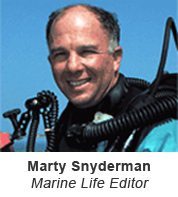
 Dive Training contributing writer and photographer Marty Snyderman has written numerous how-to photography stories over the years. Little did Marty Snyderman know as a boy in Little Rock, Arkansas, that he would grow up to be one of the premier underwater photographers in the world. Family vacations to Florida (along with a boost from Lloyd Bridges and Jacques Cousteau) got him interested in marine life. During college at Vanderbilt University, a presentation by an underwater photographer got him hooked. He immediately went out and bought an underwater strobe, reasoning that if he had the strobe, he’d have to buy the camera too. Underwater photography became not only his livelihood, but his passion. Thirty years later, he can’t imagine a better career. He says, “With the possible exceptions of being an astronaut, submarine pilot or playing major league baseball, I feel like I have the best job on earth.”
AS AN UNDERWATER PHOTOGRAPHER, it is relatively easy to capture the attention of your audience if you share a picture of a whale, shark...